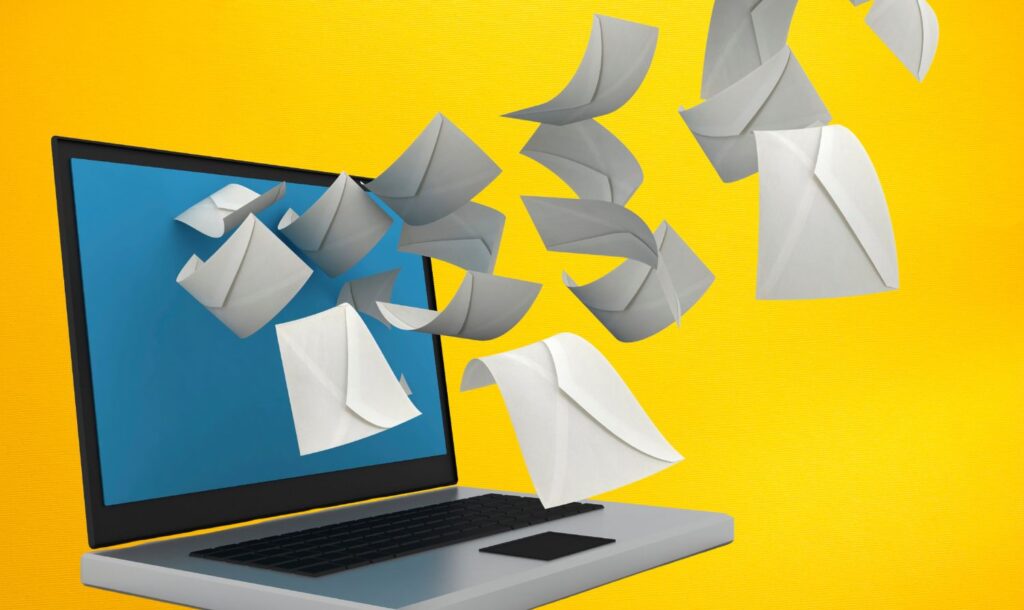

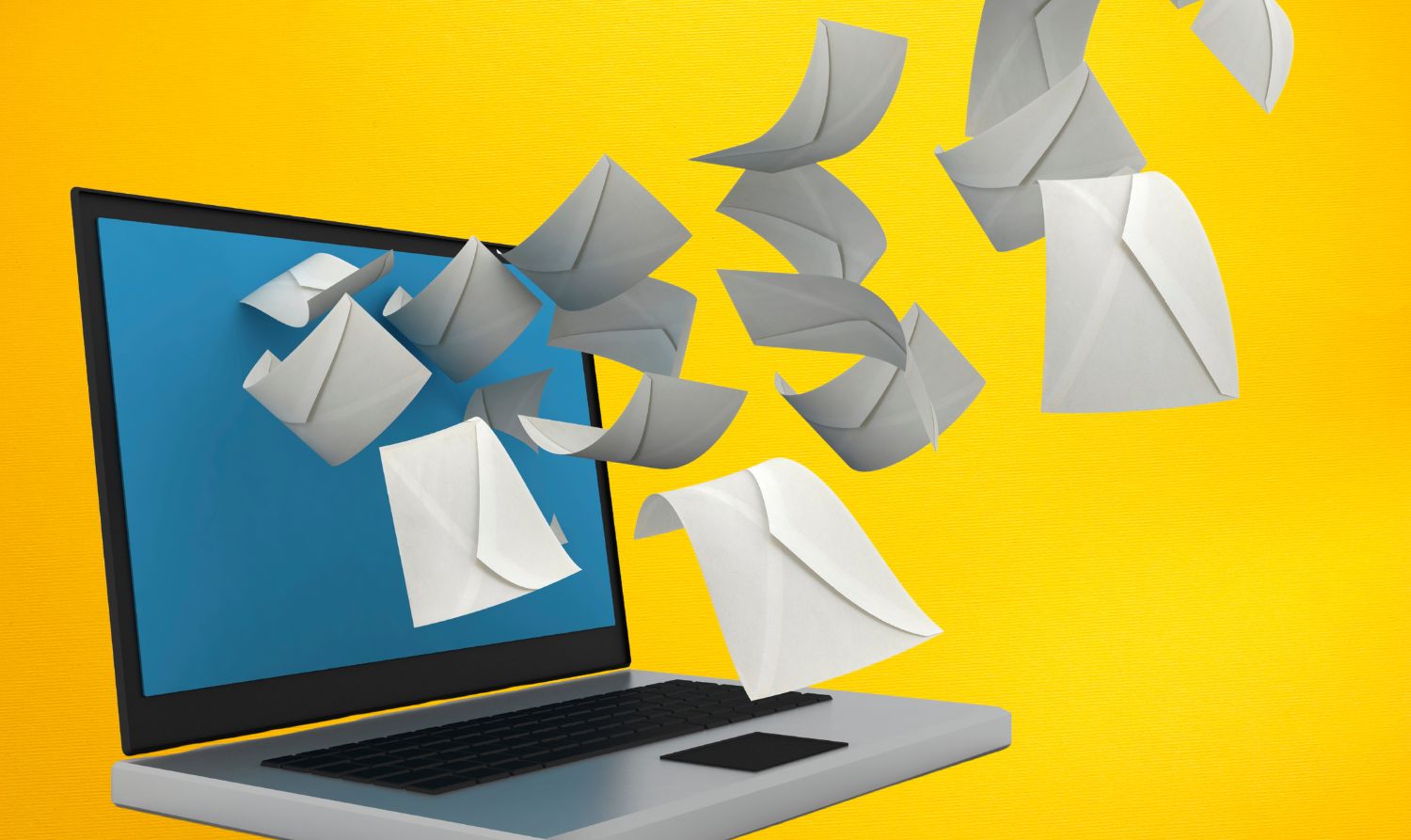
If you work remotely, travel often, or run a business without a fixed office, physical mail can become a problem fast. Bills still show up. Banks still send notices. Clients still mail documents. A virtual mailbox is meant to solve that gap by turning physical mail into something you can manage online.
Anytime Mailbox is one of the biggest names in the space, mainly because you can choose from a huge list of addresses and manage everything through an app or web dashboard. But size is not the same as consistency. What you get depends a lot on the location you choose and how often you need scanning or forwarding.
Here’s what you should know before you sign up.
What Anytime Mailbox Is and How It Works
Anytime Mailbox gives you a real street address at a partner location. When mail arrives, staff members process it and upload images to your account. You then decide what happens next.
Your basic flow looks like this:
- Your mail arrives at your selected address
- The outside of the envelope is photographed
- You get a notification by email or app
- You pick an action: open and scan, forward, shred, or discard
- The location completes the request, often within a day
If you choose a U.S. address, you’ll also need USPS Form 1583. This authorizes the mailbox operator to receive mail on your behalf, and it usually needs notarization plus ID verification.
Features You’ll Actually Use
Anytime Mailbox covers the core features most people need. The difference is how smoothly your chosen location handles them.
Address selection
You can pick from thousands of locations. That matters if you want:
- A business-looking address instead of a home address
- An address near clients or partners
- A specific city for branding or credibility
Mail scanning and notifications
Most plans include envelope photos. Full content scanning is typically paid per item.
You can usually expect:
- Email and app notifications
- PDF downloads for scanned contents
- Search and organization tools in your dashboard
Forwarding and package handling
If you need physical items sent to you, forwarding is available. Carriers and options depend on location, but most offer standard and expedited choices.
Packages are accepted at many locations, but size limits and storage rules vary. You’ll want to check:
- How many days of storage are included
- What daily fees apply after the free window
- Whether oversized packages are accepted
Shredding and disposal
You can request shredding for mail you don’t need. This is useful if you want to reduce paper buildup and avoid storing sensitive documents.
Check deposit
Some locations offer check deposit services. It’s not universal, so you’ll need to confirm availability at your chosen address.
Pricing: What You Pay vs. What Adds Up
Anytime Mailbox pricing depends on the specific address you choose. That means two users can have very different monthly costs.
You’ll usually pay:
- A monthly subscription fee (varies by location)
- Per-action fees for add-ons (scanning, forwarding, shredding)
Common add-on charges include:
- Content scanning per item
- Forwarding (shipping cost plus handling fee)
- Shredding per item
- Storage fees after the free storage period
If you only need occasional scanning and rarely forward anything, the cost can stay reasonable. But if you scan a lot of mail, those per-item charges can climb quickly.
Who This Service Fits Best
Anytime Mailbox makes the most sense when you need consistent access to mail but can’t rely on being in one place.
It tends to work well if:
- You travel often and can’t check a home mailbox
- You run a small business and want a commercial address
- You want to keep your home address private
- You receive returns, documents, or business mail regularly
If you get very little mail and mostly receive digital documents already, you may not see enough value to justify ongoing fees.
User Experience: App and Dashboard
You’ll manage everything through a web portal or mobile app. The general layout is easy to follow, since items are sorted by status and actions.
You can expect:
- Simple “tap to request” actions for each mail piece
- Quick access to scans and downloads
- Notifications that keep you aware of arrivals
One thing to keep in mind: locations are operated by partners. That means service quality can vary. If your location is slow or inconsistent, your experience will feel very different than someone using a high-performing center.
Pros and Cons
Pros
- Wide choice of addresses
- Easy-to-use app and dashboard
- Flexible mail actions: scan, forward, shred
- Useful for privacy and business presence
Cons
- Pricing and service quality vary by location
- Per-item fees can get expensive for heavy scanning
- Setup can feel tedious due to authorization requirements
Should You Choose Anytime Mailbox?
If you need a stable mailing address that you can manage from anywhere, Anytime Mailbox can be a practical solution. You get flexibility, a real address, and a clear system for handling mail without being physically present.
Your best results will come from choosing the right location. Before you commit, review that address’s plan limits, fees, package rules, and user feedback. If those align with your mail habits, the service can simplify your workflow. If not, you may end up paying more than expected for routine scanning and forwarding.